 FreeNew in 2.1.2
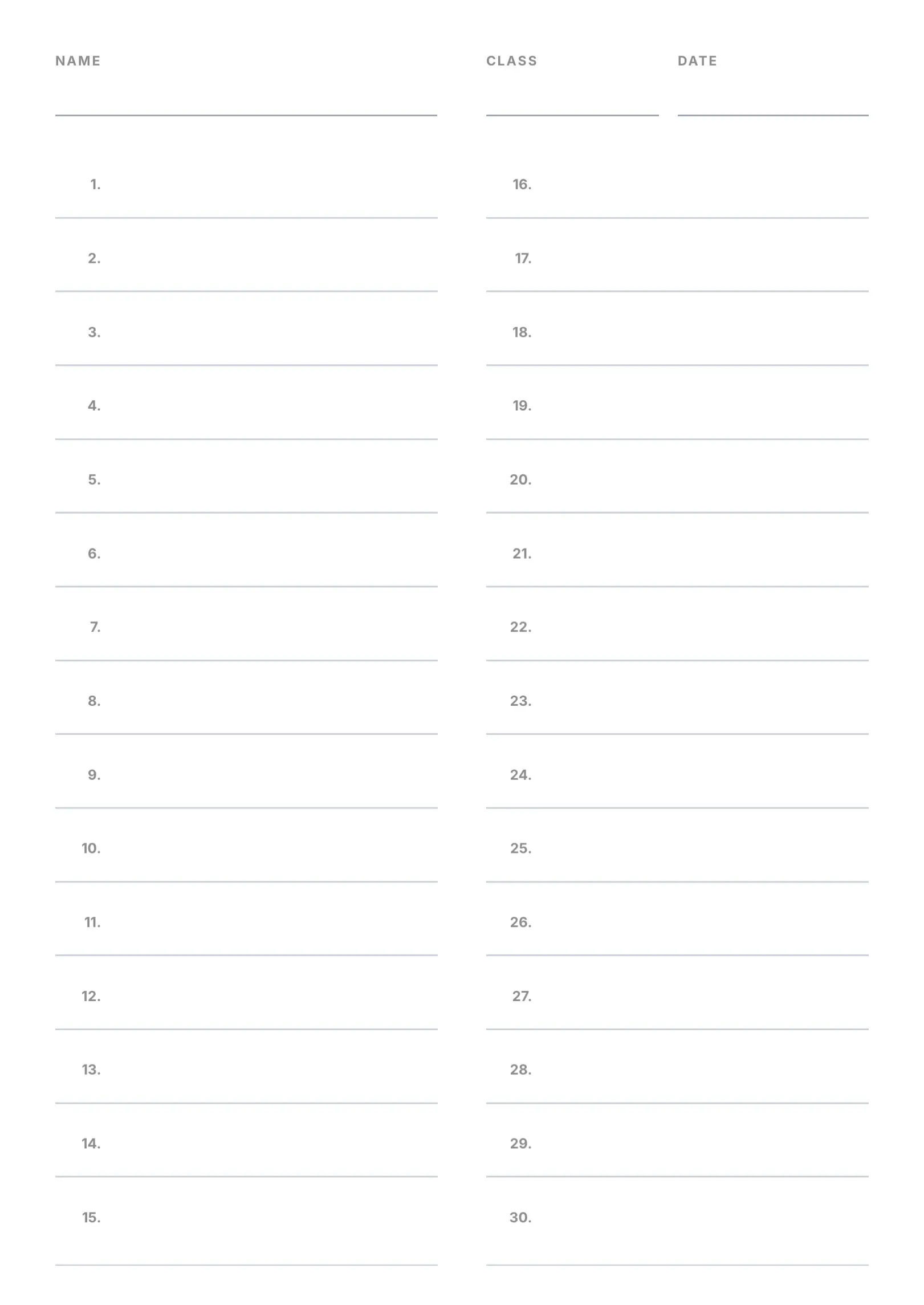
Numbered Answer Sheet
Blank
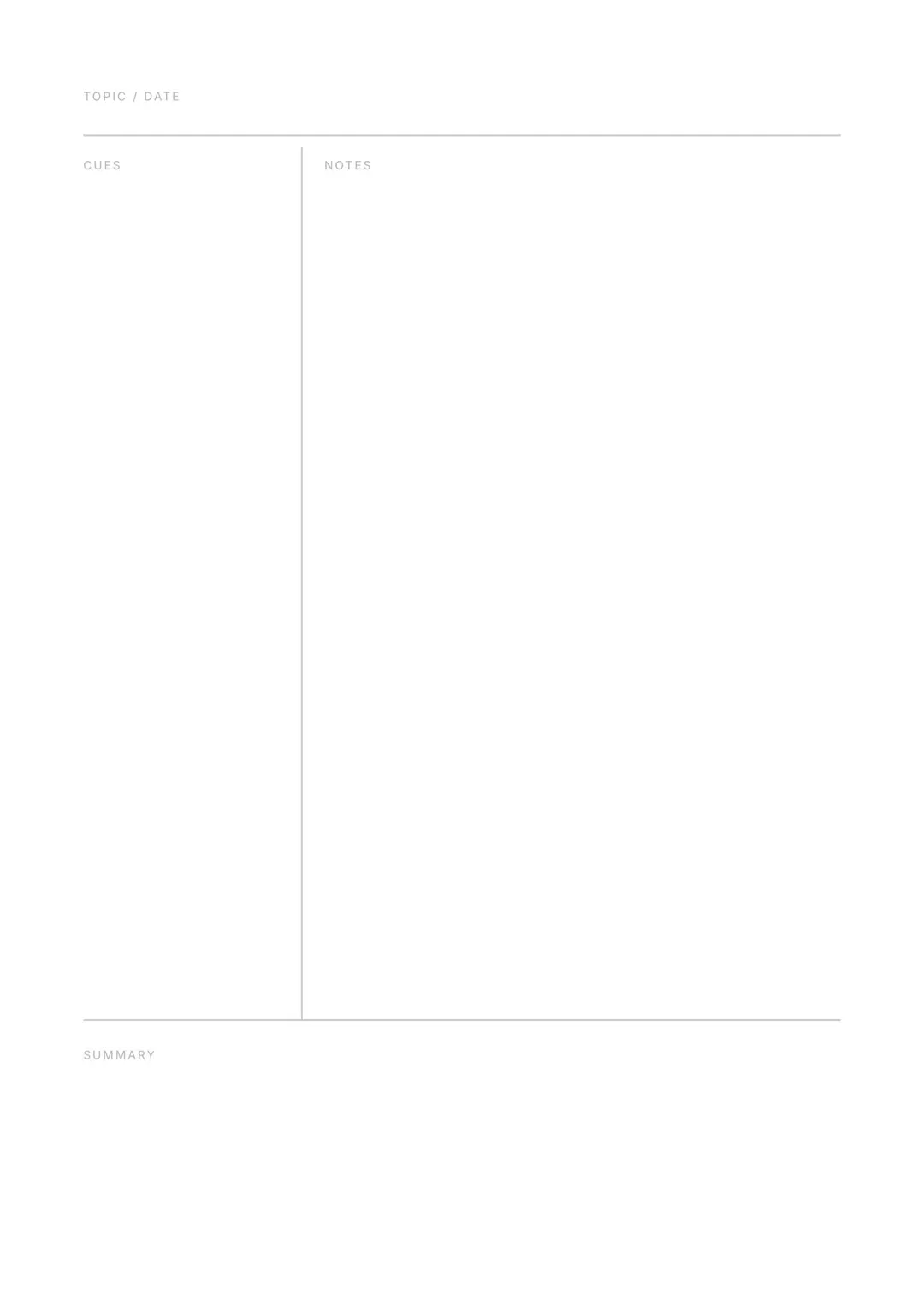
A Cornell note-taking page with a topic and date line, a narrow cues column, a wide notes area and a summary area below.
Free on iPhone, iPad and Mac. Opens this template inside Docbe when the app is installed; otherwise takes you to the App Store.
Download on theApp StoreCornell Notes Page is a one-page A4 template from the Blank collection, set in Inter and built from 6 editable blocks. It is one of the 55 free templates, so there is nothing to buy.
The design comes in English and Arabic, and any page can be mirrored for right-to-left languages with a single toggle. Open it in Docbe on iPhone, iPad or Mac to move any block, restyle the text, swap fonts and colours, then export a vector PDF, Word (DOCX), HTML or an image.
Swap any of the 85 fonts in the app.
Every block on this page is editable in Docbe.